
DPS Culinary Hub (Card & Top-Up)
One card for mess and bakery purchases, with balance, history, top-up and controls for parents.
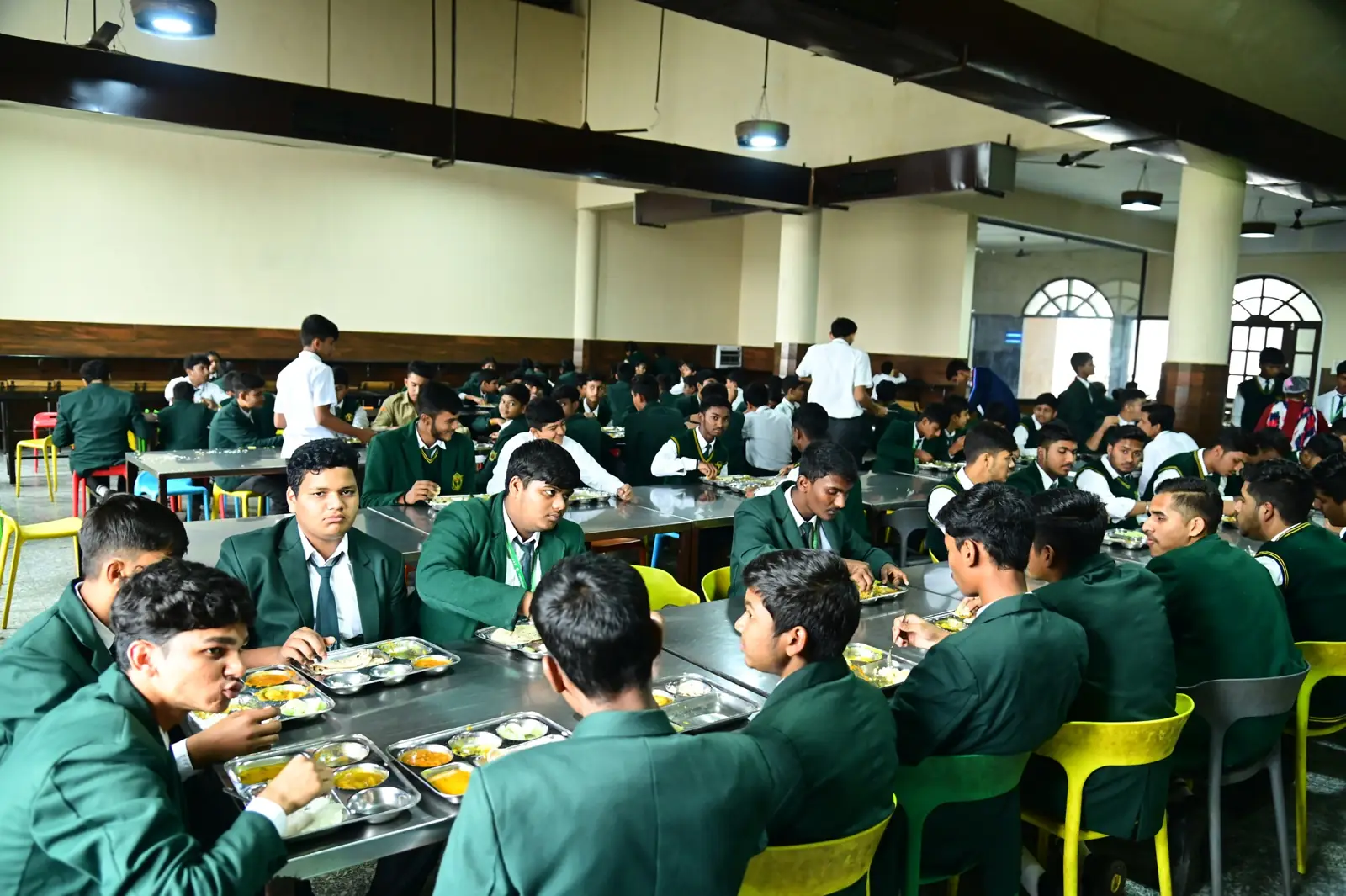
How the Parent Card System Works
Each child's card and top-up screen shows their school photo, so parents can be sure they are paying into the right card.
Card Tap
The student taps the card at the bakery or mess counter.
Purchase Recorded
Each purchase is saved against the card.
Balance Updated
The balance changes instantly.
Parent Monitors
Parents see purchases and balance online.
Features
Easy Top-up
Purchase History
Daily Spending Limits
Low-balance Alerts
Card Freeze
Parent Login
Parent login will open when the card system goes live. Until then, you can preview the parent dashboard with sample data.
Balance is low (). Top up to avoid a declined purchase.